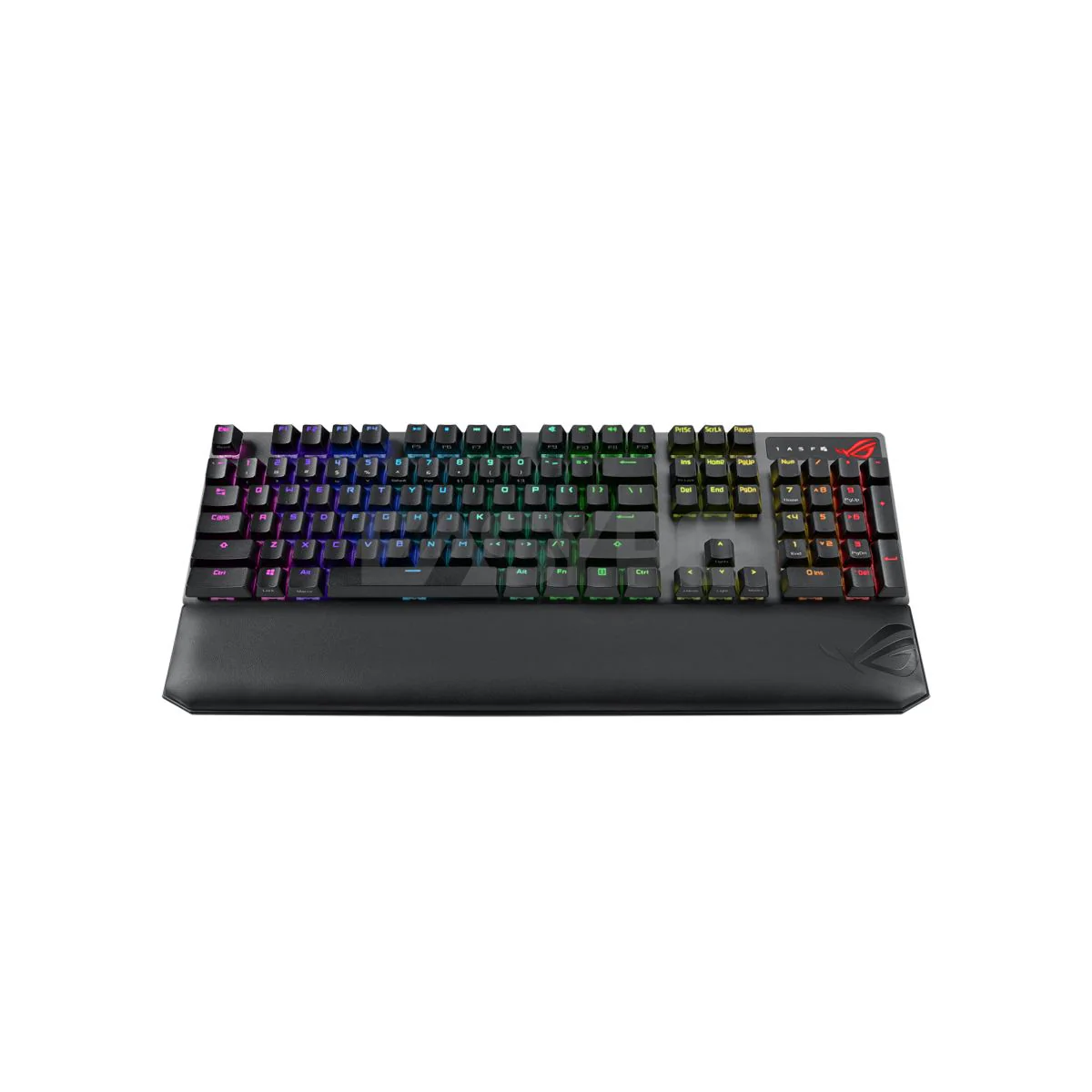
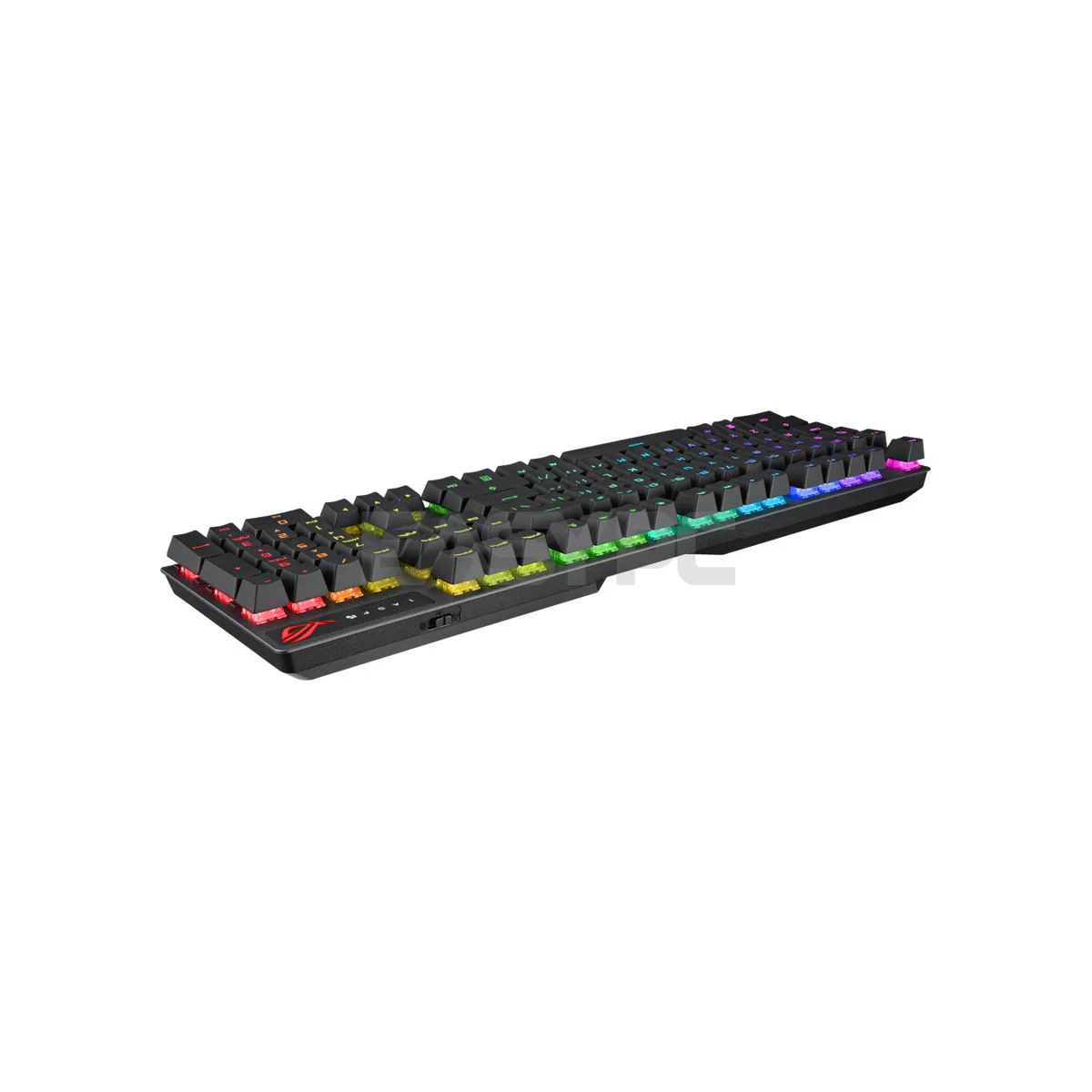
Asus ROG Strix Scope NX Blue Delux Keyboard
Product Description
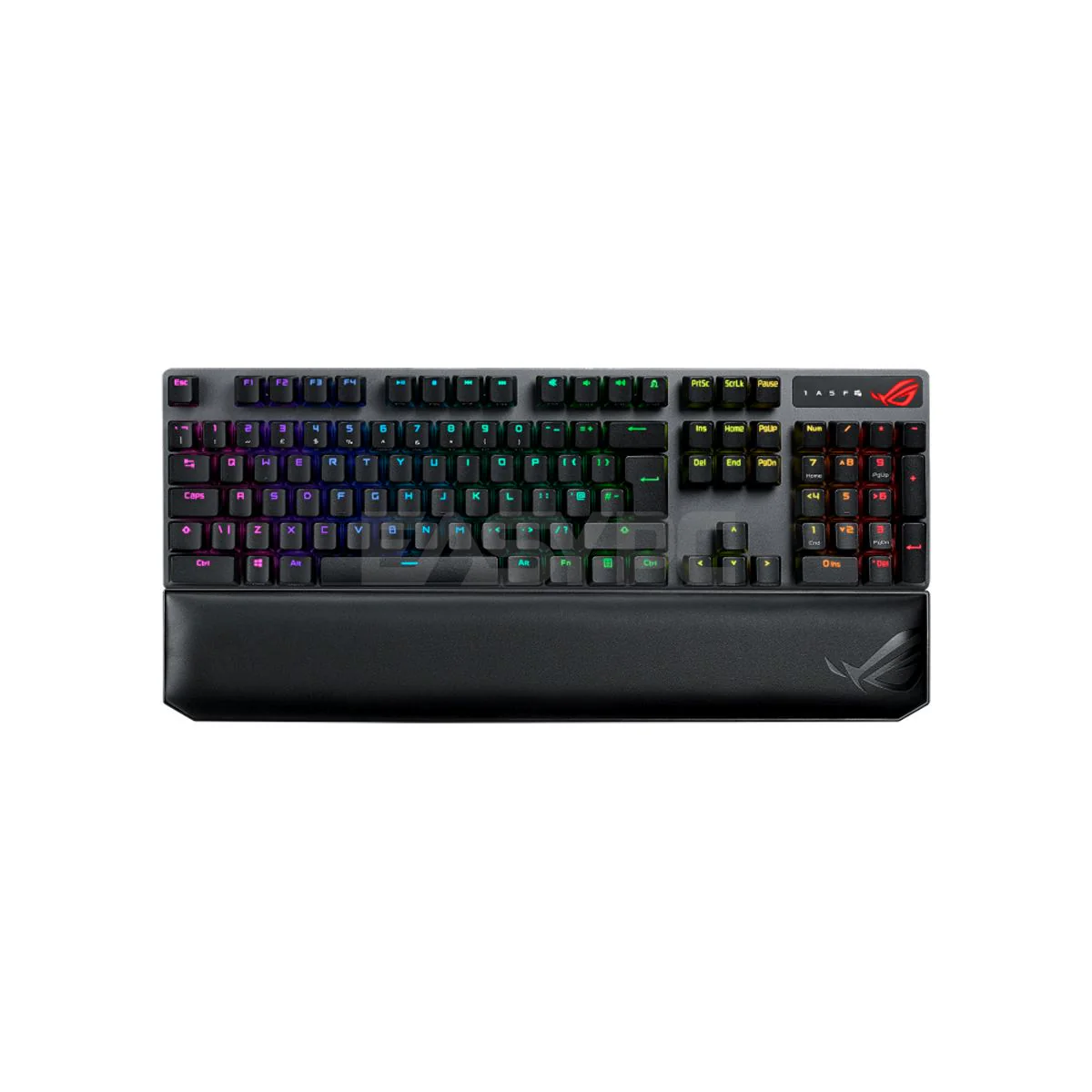
your gaming experience with the Asus ROG Strix Scope NX Blue Delux Keyboard. Equipped with responsive Cherry MX Blue switches, customizable RGB lighting, and a deluxe wrist rest, it offers precision and comfort. your games with this feature-rich, stylish keyboard.
Product Specifications:
- Key Switch "
- ROG NX Mechanical: Red
- ROG NX Mechanical: Blue
- ROG NX Mechanical: Brown"
- Connectivity "
- USB 2.0 (TypeC to TypeA)
- RF 2.4GHz
- Bluetooth 5.2"
- Size (Full/TKL) 100%
- Lighting Per-Key RGB LEDs
- AURA Sync Yes
- Anti-Ghosting 100% Anti-Ghosting
- Macro Keys All Keys Programmable On-the-Fly Recording Support (except for 'Fn')
- USB Report rate (USB Report rate)1000 Hz
- Profile Hot Keys Fn + 1 / 2 / 3 / 4 / 5 / 6* * 6 is default
- Lighting Effects Hot Keys Fn + Right or Fn + Left
- Brightness Setting Hot Keys Fn + Up: Brightness up Fn + Down: Brightness down
- Macro Hot Keys On-the-Fly Macro Recording: Step 1: Fn + L-ALT to start recording Step 2: Fn + L-ALT to end recording Step 3: Assign new macro key
- OS "Windows® 10
- Windows® 11"
- Software Armoury Crate
Ideal For
- Gaming and everyday typing
- Desktop workstation setups
- Home office and school work
Browse more Keyboards at EasyPC.
Original: $69.94
-70%$69.94
$20.98More Images

Asus ROG Strix Scope NX Blue Delux Keyboard
Product Description
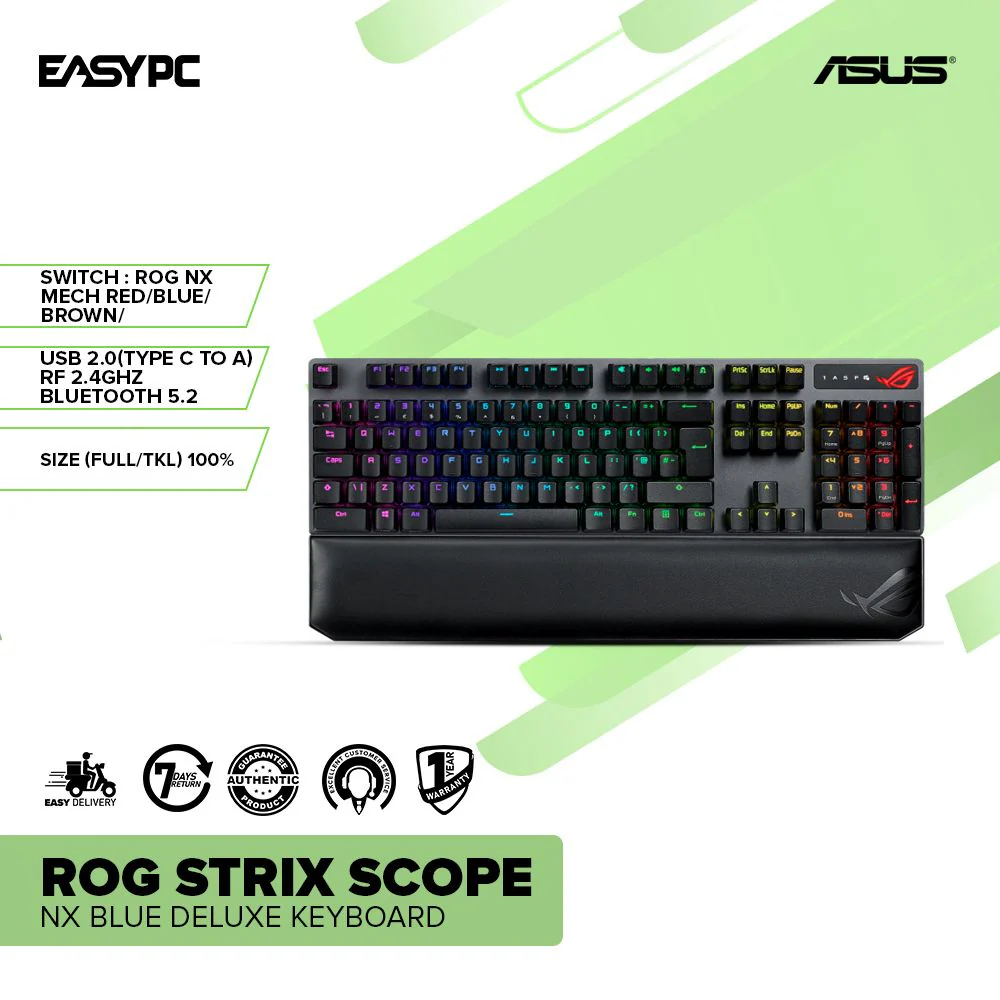
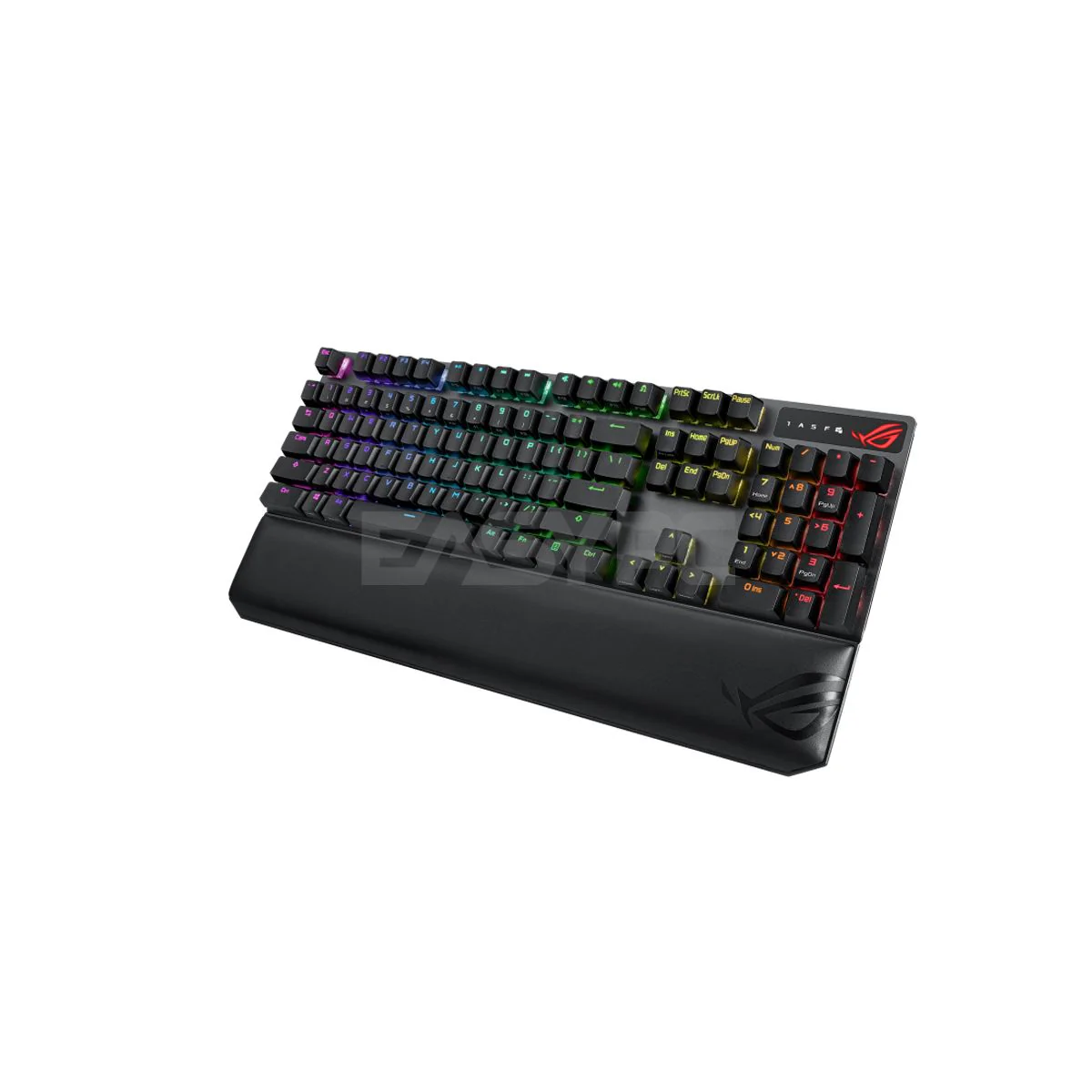
your gaming experience with the Asus ROG Strix Scope NX Blue Delux Keyboard. Equipped with responsive Cherry MX Blue switches, customizable RGB lighting, and a deluxe wrist rest, it offers precision and comfort. your games with this feature-rich, stylish keyboard.
Product Specifications:
- Key Switch "
- ROG NX Mechanical: Red
- ROG NX Mechanical: Blue
- ROG NX Mechanical: Brown"
- Connectivity "
- USB 2.0 (TypeC to TypeA)
- RF 2.4GHz
- Bluetooth 5.2"
- Size (Full/TKL) 100%
- Lighting Per-Key RGB LEDs
- AURA Sync Yes
- Anti-Ghosting 100% Anti-Ghosting
- Macro Keys All Keys Programmable On-the-Fly Recording Support (except for 'Fn')
- USB Report rate (USB Report rate)1000 Hz
- Profile Hot Keys Fn + 1 / 2 / 3 / 4 / 5 / 6* * 6 is default
- Lighting Effects Hot Keys Fn + Right or Fn + Left
- Brightness Setting Hot Keys Fn + Up: Brightness up Fn + Down: Brightness down
- Macro Hot Keys On-the-Fly Macro Recording: Step 1: Fn + L-ALT to start recording Step 2: Fn + L-ALT to end recording Step 3: Assign new macro key
- OS "Windows® 10
- Windows® 11"
- Software Armoury Crate
Ideal For
- Gaming and everyday typing
- Desktop workstation setups
- Home office and school work
Browse more Keyboards at EasyPC.
Product Information
Product Information
Shipping & Returns
Shipping & Returns
Description
Product Description
your gaming experience with the Asus ROG Strix Scope NX Blue Delux Keyboard. Equipped with responsive Cherry MX Blue switches, customizable RGB lighting, and a deluxe wrist rest, it offers precision and comfort. your games with this feature-rich, stylish keyboard.
Product Specifications:
- Key Switch "
- ROG NX Mechanical: Red
- ROG NX Mechanical: Blue
- ROG NX Mechanical: Brown"
- Connectivity "
- USB 2.0 (TypeC to TypeA)
- RF 2.4GHz
- Bluetooth 5.2"
- Size (Full/TKL) 100%
- Lighting Per-Key RGB LEDs
- AURA Sync Yes
- Anti-Ghosting 100% Anti-Ghosting
- Macro Keys All Keys Programmable On-the-Fly Recording Support (except for 'Fn')
- USB Report rate (USB Report rate)1000 Hz
- Profile Hot Keys Fn + 1 / 2 / 3 / 4 / 5 / 6* * 6 is default
- Lighting Effects Hot Keys Fn + Right or Fn + Left
- Brightness Setting Hot Keys Fn + Up: Brightness up Fn + Down: Brightness down
- Macro Hot Keys On-the-Fly Macro Recording: Step 1: Fn + L-ALT to start recording Step 2: Fn + L-ALT to end recording Step 3: Assign new macro key
- OS "Windows® 10
- Windows® 11"
- Software Armoury Crate
Ideal For
- Gaming and everyday typing
- Desktop workstation setups
- Home office and school work
Browse more Keyboards at EasyPC.